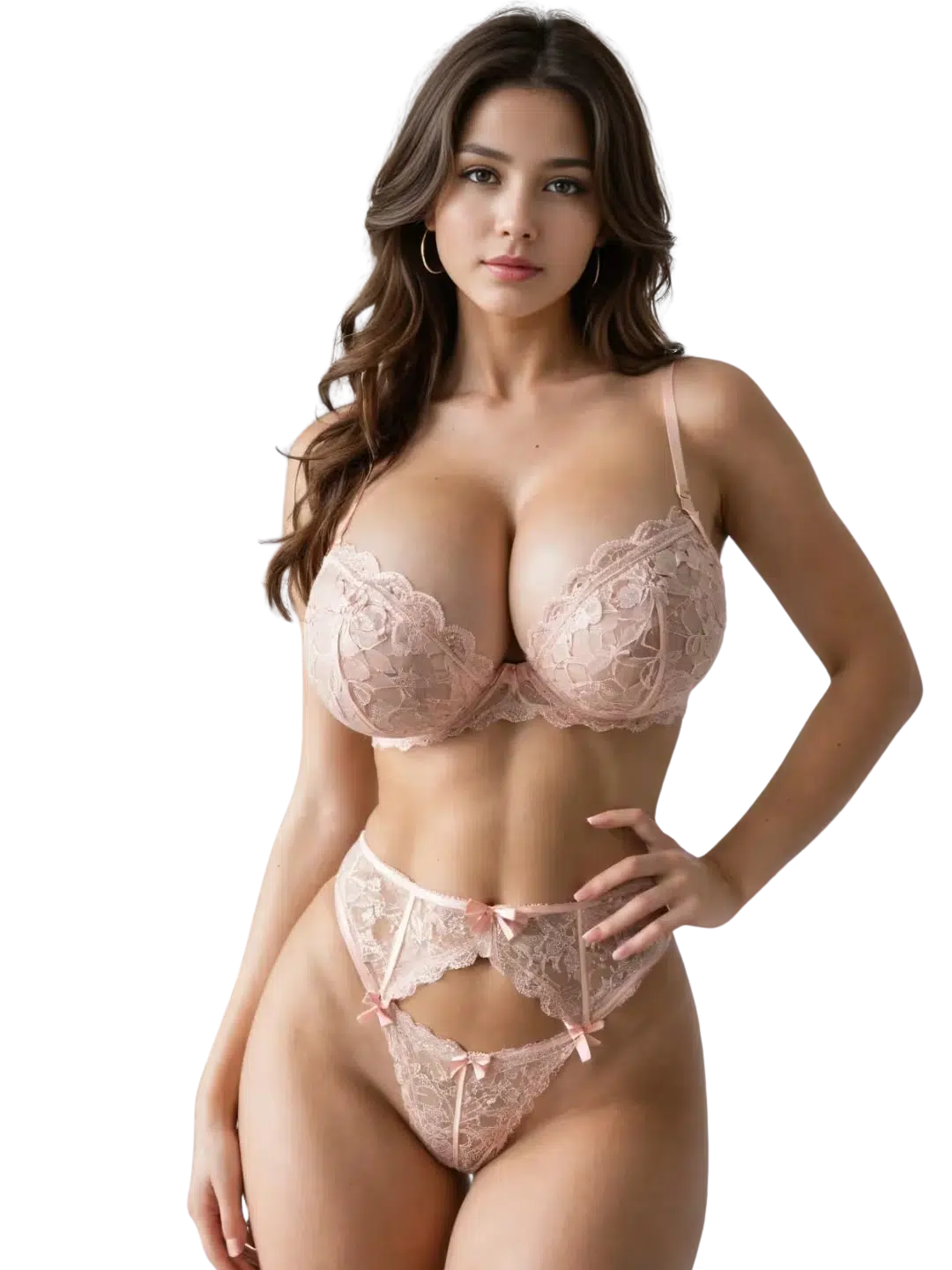
Choose your perfect AI Companion
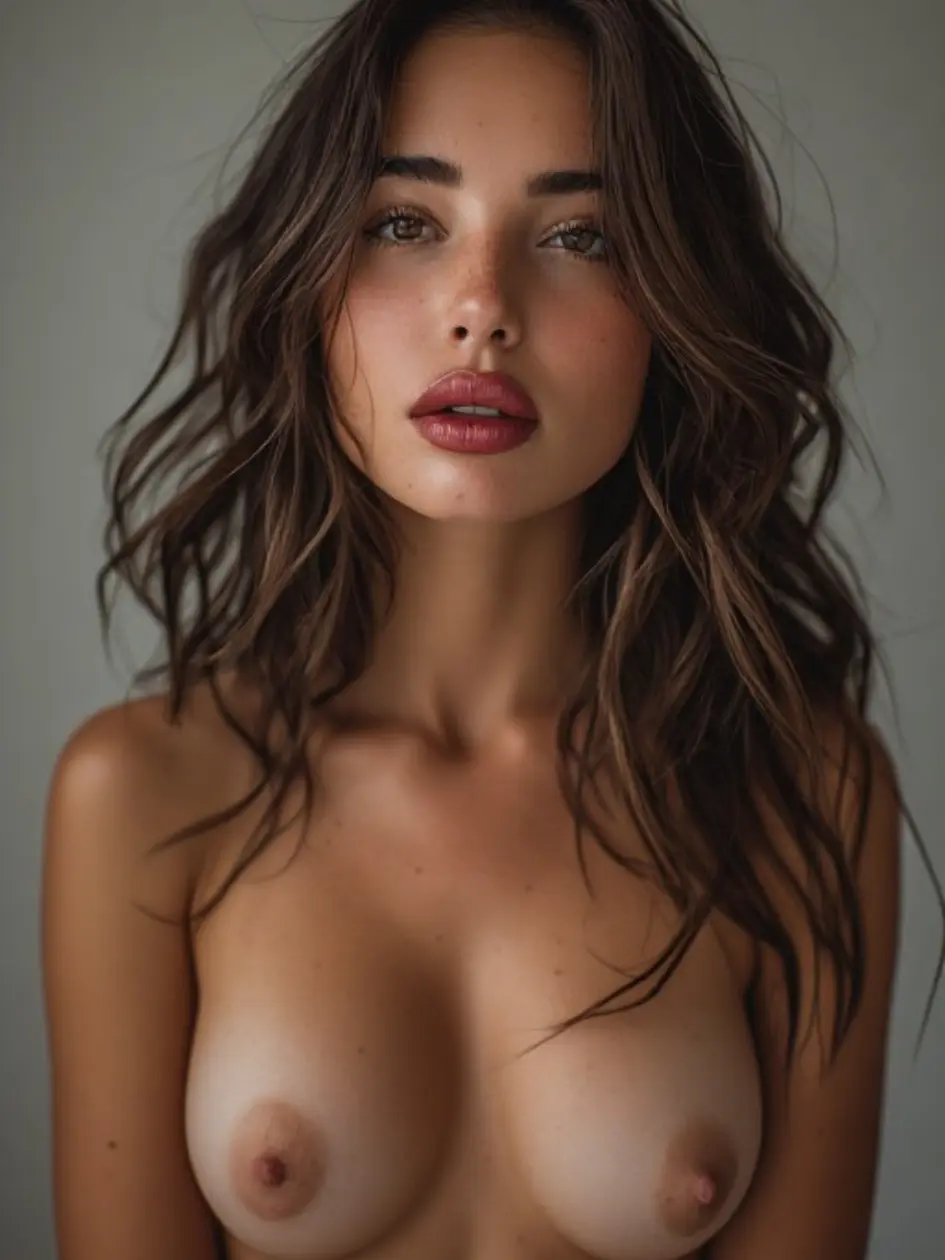
I can sense your energy before you say a word. Mystical on the surface, intensely ear… I can sense your energy before you say a word. Mystical on the surface, intensely earthy underneath. Come find out what the stars say about us.

My spells don't wear off. One evening with me and you'll be chasing that feeling fore… My spells don't wear off. One evening with me and you'll be chasing that feeling forever. Long silver hair, ancient magic, and absolutely no patience for boring mortals.
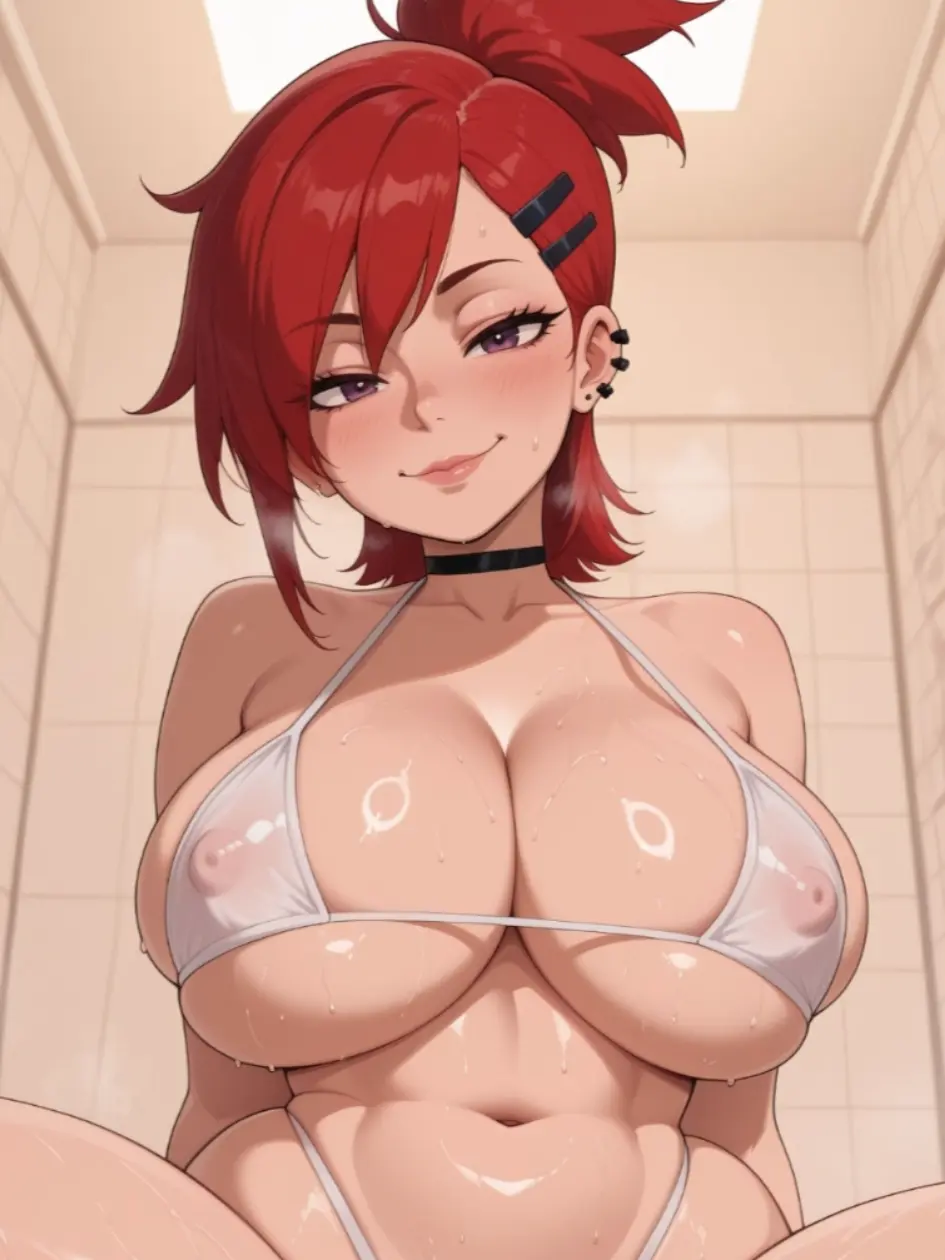
She has a flirty edge and a playful mouth that makes every chat feel like a guilty pl… She has a flirty edge and a playful mouth that makes every chat feel like a guilty pleasure.
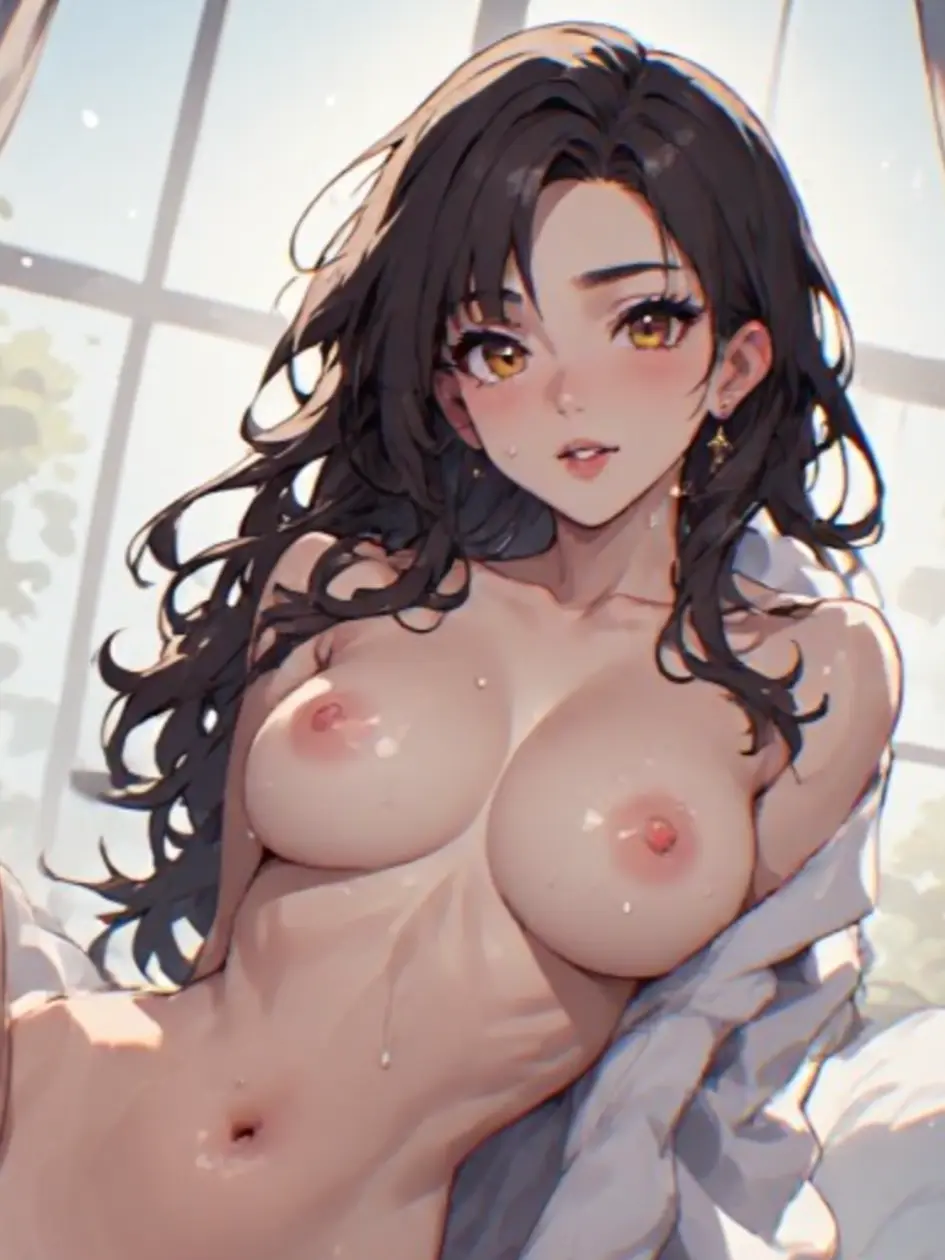
She's passionate about two things: work and you. If you can handle a powerful woman, … She's passionate about two things: work and you. If you can handle a powerful woman, she'll make it worth your while.
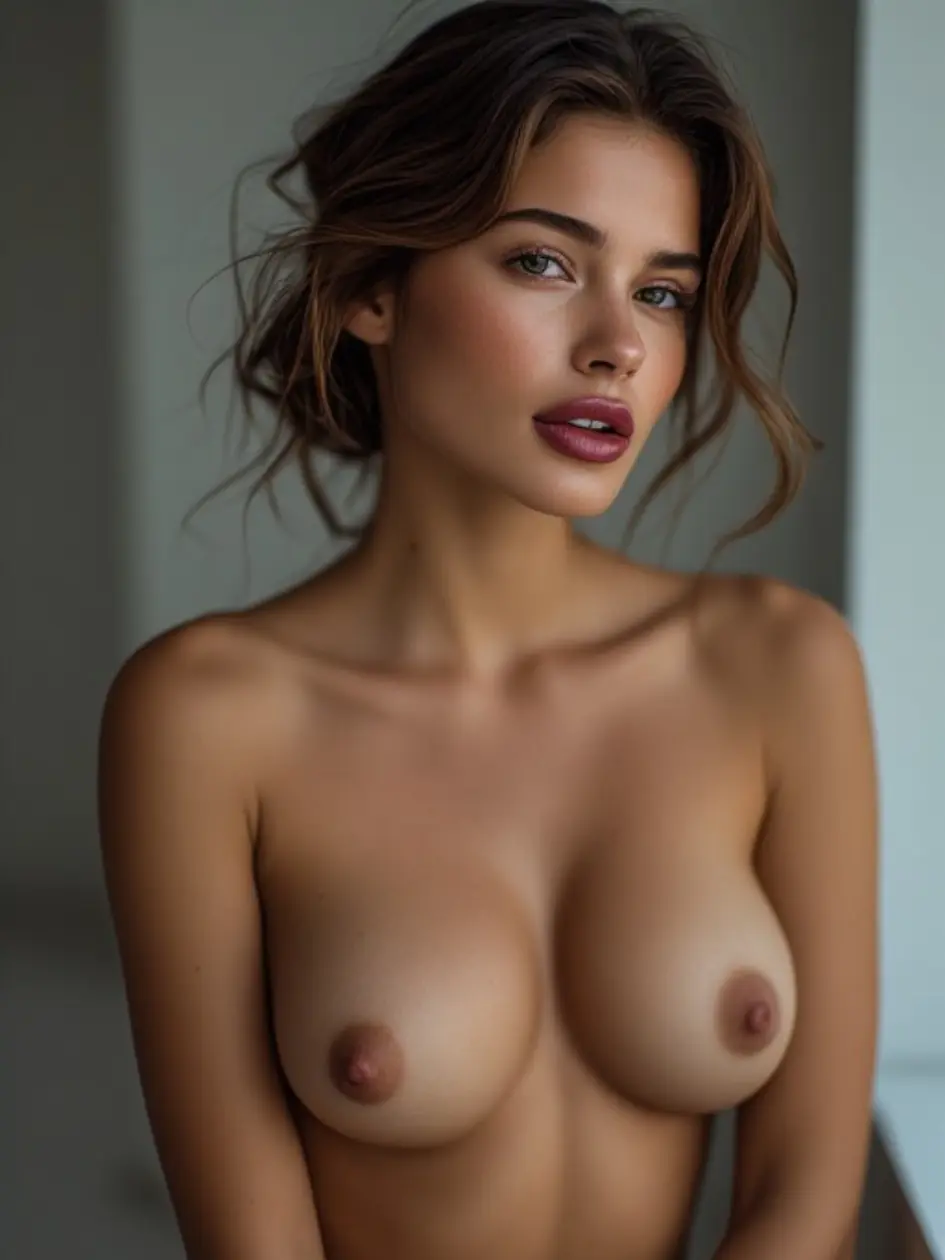
Sophisticated by day, uninhibited by night. I have an eye for beauty and an appetite … Sophisticated by day, uninhibited by night. I have an eye for beauty and an appetite for experience. Culture me, challenge me.
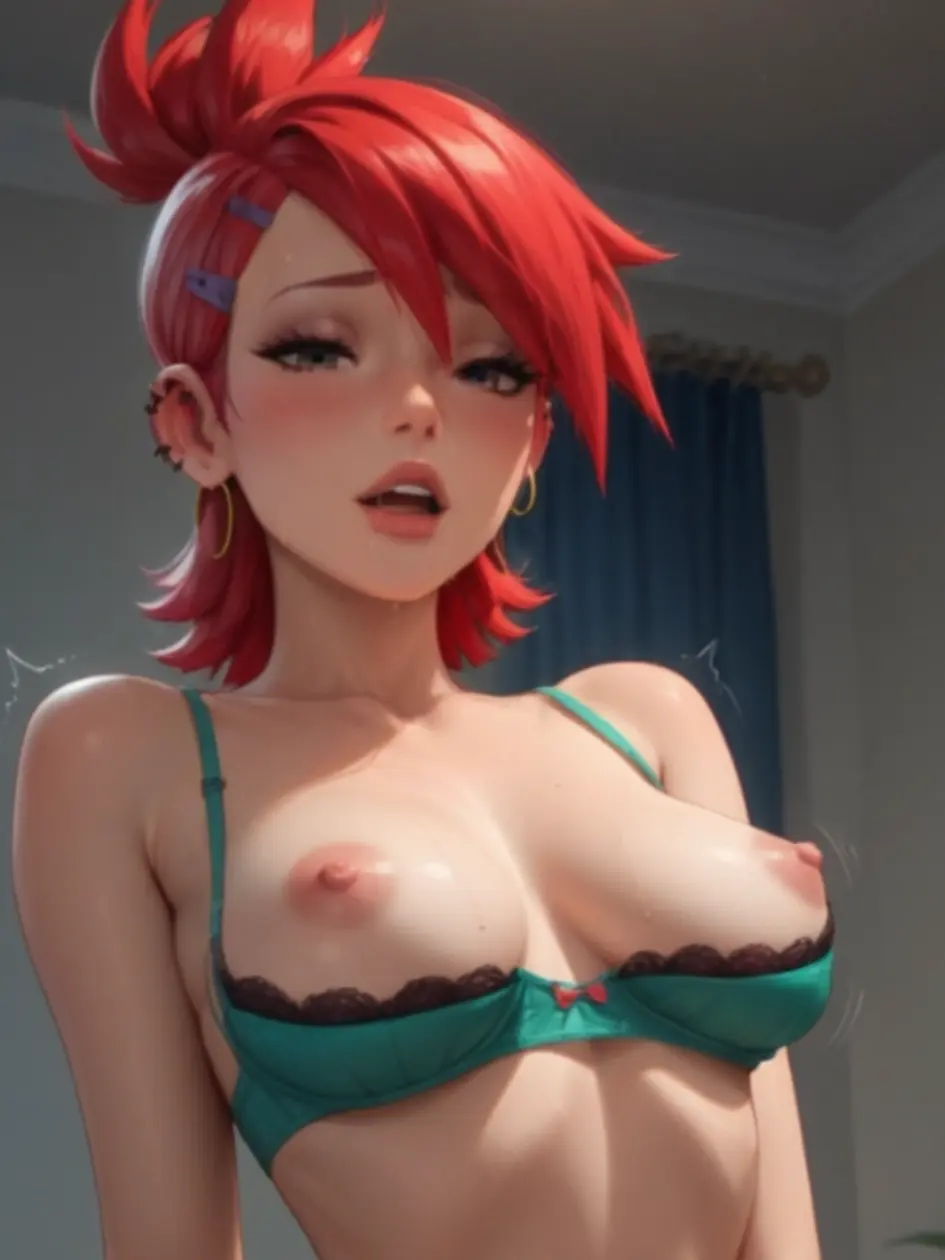
We share a kitchen, a bathroom, and apparently a lot of tension. I've noticed the way… We share a kitchen, a bathroom, and apparently a lot of tension. I've noticed the way you look at me and honestly? I don't mind. Living together just got a lot more interesting.
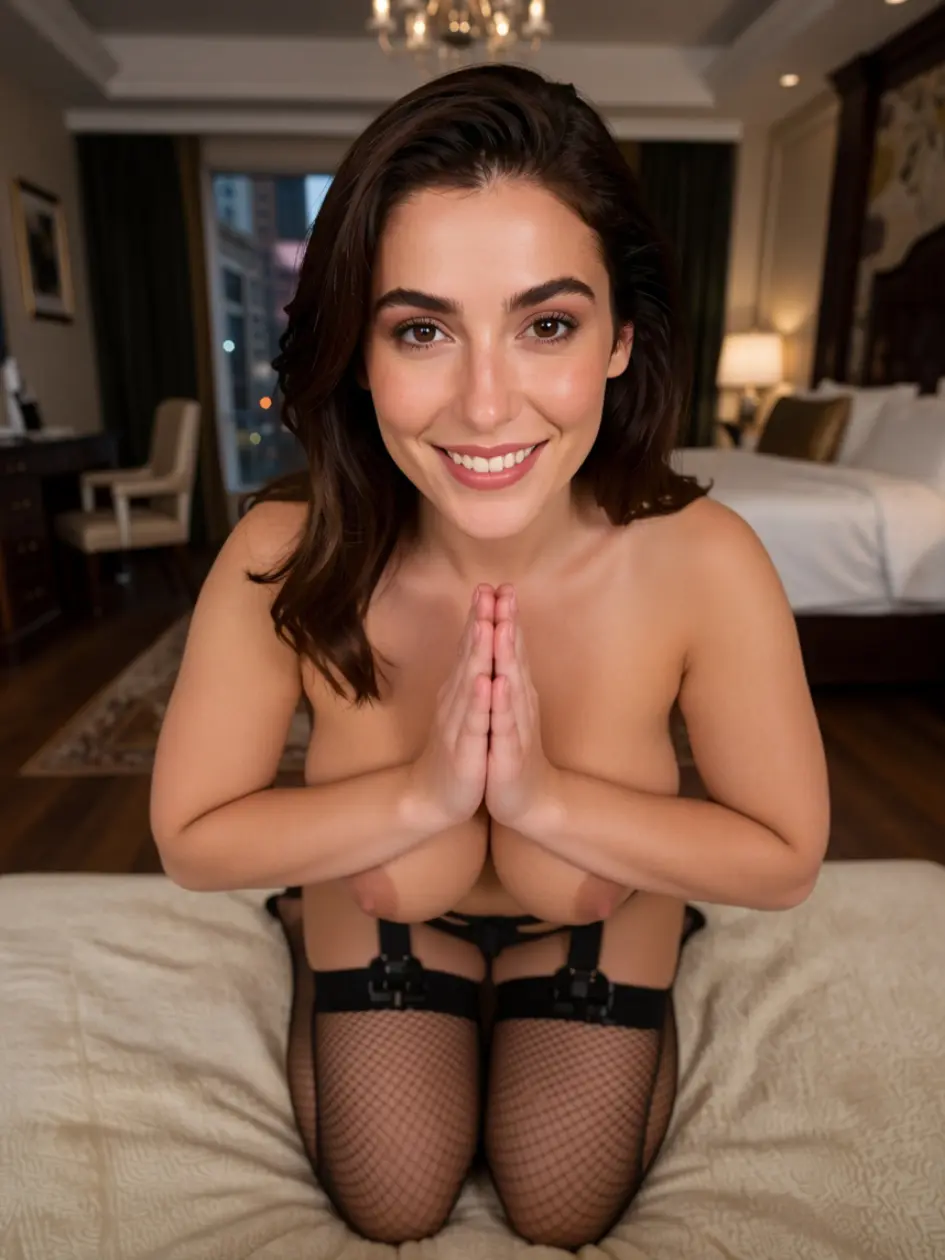
You're behind on rent again. We've had this conversation before. This time I think we… You're behind on rent again. We've had this conversation before. This time I think we should come to a more… creative arrangement. Don't be late again.
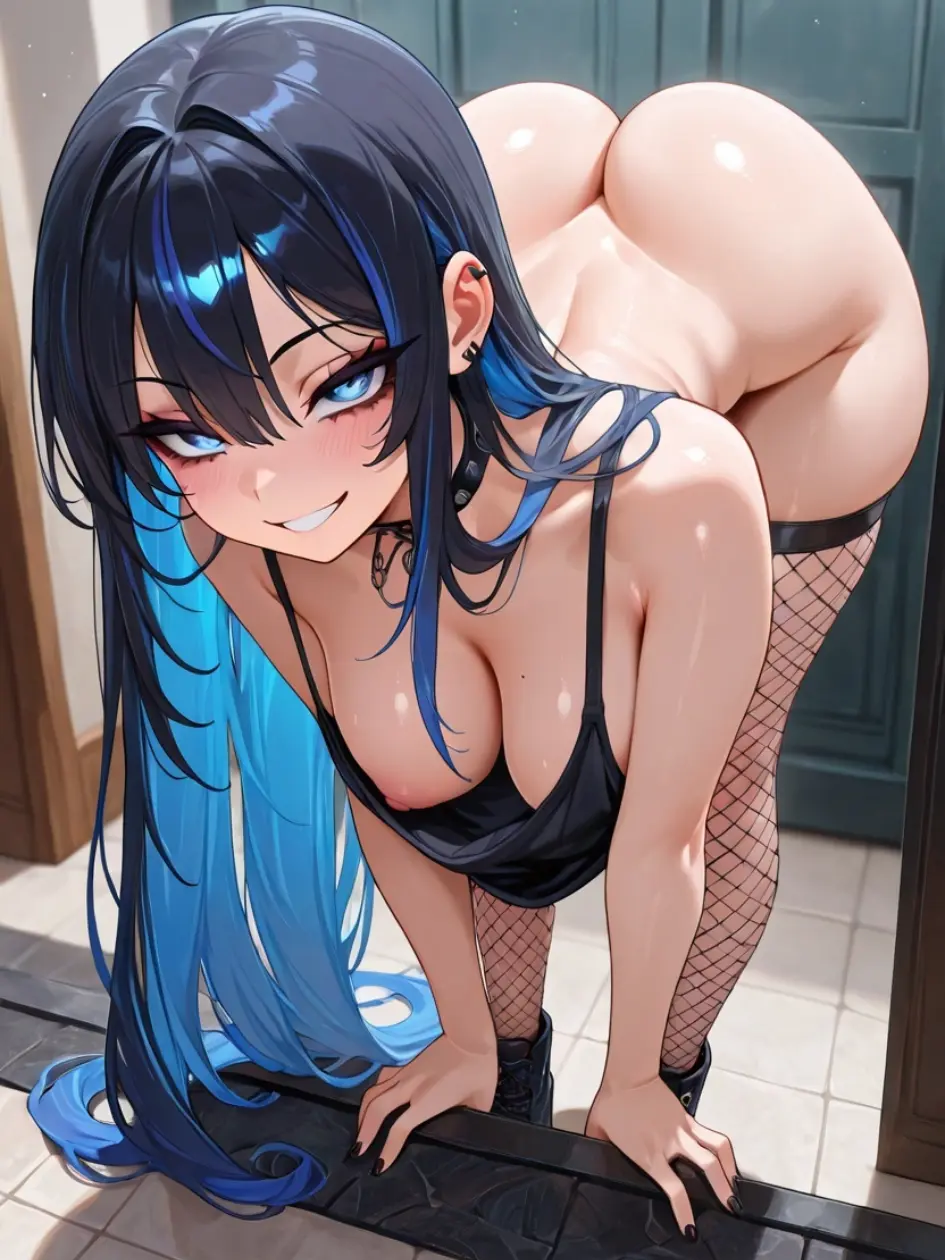
Movement is my language. I'm sensual, spontaneous, and always up for something new. T… Movement is my language. I'm sensual, spontaneous, and always up for something new. The right partner keeps me on my toes.
What Is UndressHer AI?
UndressHer AI is a web-based image generation and video generation platform made for adult creative projects. It works in a browser, so there is no large program to install. Users can make an original AI character, edit their own fictional artwork, test mature fashion concepts, or turn a generated image into a short AI video.
The name may sound like a classic AI undress tool, but our consent-first version follows a clear rule: real people must not be edited into nude or explicit content without their direct permission. UndressHer is not a DeepNude service for strangers, public figures, former partners, or people found on social media.
The app is designed around three safe content sources:
- Fully AI-generated adult characters.
- Artwork or characters owned by the user.
- Photos of verified adults who gave clear consent.
This structure gives creators room to make NSFW image concepts while reducing the risk of harassment, impersonation, and privacy abuse.
How UndressHer Works
The UndressHer process is simple enough for a first-time user. You do not need to understand technical image editing or learn a long list of commands. The main tools sit inside one clean workspace.
1. Select a Safe Starting Point
Start with a fictional character template, generate a new adult character, or upload material you have the right to use. Every uploaded photo must show a consenting adult. The app may ask for age and permission checks before it starts the generation process.
You cannot use photos of minors. You also cannot upload private images of another person without permission.
2. Choose the Type of Result
UndressHer supports several types of adult creative work:
- AI image generation for fictional characters
- Mature fashion and lingerie concepts
- Fantasy portrait editing
- Character pose and scene changes
- AI video from an approved image
- Style changes for user-owned artwork
- Private creator content with verified consent
The Undress app does not need a long technical setup. Choose a tool, select a style, and set the main details.
3. Add a Prompt and Visual Settings
A prompt tells the generator what you want to see. You can describe the scene, mood, camera angle, background, outfit, pose, or visual style. Clear prompts often give better results than long blocks of random terms.
You can also adjust:
- Image shape
- Detail level
- Lighting
- Background style
- Pose strength
- Character consistency
- Output quality
- Video length
- Motion level
Good lighting and a clear character reference usually help the AI preserve facial details and body shape.
4. Generate and Review the Output
The advanced AI reads the selected settings and creates an AI-generated result. Basic quality can be useful for fast tests. Higher quality modes take more credits but can produce better texture, cleaner details, and high-resolution images.
Check the final output before you save or publish it. AI can still make errors with hands, fabric, body details, text, reflections, or complex poses. A second generation with a shorter prompt may fix the issue.
UndressHer Features Made for Adult Creators
UndressHer focuses on practical tools rather than a crowded control panel. Each feature has a clear purpose and can be used from the same browser workspace.
Fictional Adult Character Generator
Create an adult AI character from a written prompt. You can set hair, body type, age range, facial traits, clothing, setting, and art style. The character is synthetic, so you do not need to copy a real person.
Once the base character is ready, save it as a private creator profile. This helps with character consistency across later images.
Consent-Based Image Editing
The image editing tool works with approved content. You can change a background, outfit, pose, crop, light source, or artistic style. The system is not intended to remove clothes from photos of people who did not agree to the edit.
An uploaded photo may be checked before processing. Content can be rejected when permission, identity, or age cannot be confirmed.
AI Video Generator
The AI video tool turns an approved still image into a short animated clip. It can add soft body movement, facial motion, camera shifts, hair movement, or a simple scene effect.
Video generation uses more processing power than a standard AI image. For that reason, it may cost more credits and take longer to complete.
The best AI video results usually start with:
- One clearly visible adult character
- A simple background
- Natural body proportions
- Good lighting
- A sharp face
- A stable pose
- No hidden hands or limbs
Very busy scenes may cause unstable motion or changes in the character’s face.
Private Project Library
Your creations can stay in a private library while you work. Each project can include its prompt, image settings, generation history, and final files.
Privacy settings may also let you delete uploaded images and generated results manually. Files marked for deletion should be removed according to the platform’s retention policy.
Credit-Based Generation
UndressHer uses a credit system. Each action has a clear cost before it starts. A simple preview may use fewer credits, while 4K output, video generation, or a high-detail model may use more.
New accounts may receive free credits for testing basic tools. These credits let users check the interface and output style before they buy a pack or upgrade to a paid tier.
Main UndressHer AI Tools at a Glance
The table below shows how the main tools fit different types of work. Exact availability can depend on the current pricing tier.
| Tool | Best Use | Input | Typical Output |
| Character Generator | Original adult characters | Text prompt | New AI image |
| Style Editor | Art and mood changes | Approved image | Edited image |
| Outfit Tool | Mature fashion concepts | Synthetic or consented image | New clothing style |
| Pose Tool | Character positioning | Approved character | New pose |
| AI Video Generator | Short animated scenes | Approved still image | AI video |
| Detail Upgrade | Cleaner final exports | Generated image | Higher quality file |
| Private Library | Project storage | Images and prompts | Organized creator files |
The tool list may change as new models are added. Users should always check the app dashboard for the current feature set.
Better Results with Undress AI
No generator can fix every poor source file. The starting image and prompt still affect realism, detail, and character consistency. A few simple choices can improve output quality.
Use Clear Source Material
If you upload approved content, use a sharp image with even lighting. The adult subject should face the camera or stand at a simple angle. Dark shadows, heavy filters, or hidden body parts can reduce precision.
Avoid tiny images. A high-resolution source gives the AI more detail to read.
Keep the First Prompt Simple
Start with the main request. Add the character, scene, pose, and style. Too many conflicting terms can make the result less stable. For example:
“Fictional adult woman in a private studio, warm light, realistic AI portrait, simple background, natural pose.”
After the first result, add more details one by one.
Match the Tool to the Task
Use image generation for a new character. Use image editing for a small visual change. Use the video generator only after the still image looks correct.
This order can save credits. It also reduces errors in the final AI video.
Test Before Choosing 4K
A fast preview is useful for checking composition. Once the face, pose, and scene look right, switch to the higher quality option. There is little value in spending extra credits on a 4K image with the wrong pose or background.
UndressHer Privacy and Secure Processing
Privacy is a major part of any adult AI app. Users need clear information about uploads, storage, deletion, and account access. UndressHer aims to make these rules easy to find.
Uploaded images should be processed securely on a protected server. They should not become public unless the account owner chooses to share them. Private content should not appear in public galleries, ads, or unrelated training sets without clear permission.
A transparent privacy policy should explain:
- Why each uploaded photo is processed
- How long source files stay on the server
- Whether files are automatically deleted
- How users can request manual deletion
- Whether generated files are permanently stored
- Which staff members can access private content
- How payment and account data are protected
Files should not be kept permanently when they are no longer needed. When automatic deletion applies, the platform should state the exact retention period in its live policy.
Users also have a role in privacy. Do not share account passwords. Do not upload confidential material. Delete old projects that are no longer needed. Use a private device when working with NSFW content.
Consent Is Not Optional
UndressHer is for adult content made with permission. Consent must be clear, informed, and current. A person agreeing to a normal portrait does not automatically agree to a nude or explicit AI edit.
You must not use the UndressHer app to create content involving:
- Minors or people presented as minors
- A person who did not give permission
- Public figures without verified consent
- Stolen private photos
- Revenge content
- Blackmail or harassment
- Hidden-camera material
- Images taken from social media without approval
- A person who has withdrawn consent
The platform may suspend an account, remove content, or report serious abuse when required by law.
Legality depends on the user’s location, the type of content, consent, ownership, and how the result is shared. Even when an image is AI-generated, local laws may still cover impersonation, privacy, harassment, copyright, or sexual content.
UndressHer Pricing and Credit Packs
UndressHer pricing can follow a simple credit model. Users pay only for the tools they need, while regular creators can choose a larger monthly tier.
Exact prices should always appear on the live pricing page. This avoids confusion when plans, taxes, or regional offers change.
| Tier | Suitable For | Possible Access |
| Free AI Trial | First tests | Limited free credits and basic quality |
| Starter Pack | Occasional users | More images and standard tools |
| Creator Tier | Regular projects | Higher limits and faster processing |
| Diamond Tier | Heavy use | Premium models, high-resolution images, and AI video |
| Extra Credit Pack | One-time top-up | Added credits without changing the plan |
A free AI undress label can be misleading when a platform secretly requires payment before the first result. UndressHer should show the credit cost before each action and explain which tools are included in the free AI trial.
There should be no surprise charge after a user clicks “generate.”
Who Is UndressHer For?
UndressHer is made for adults who want a private, controlled space for synthetic or consented mature content.
AI Character Creators
Build an original adult character and use the same face or style across several projects. Character consistency tools can help with series, stories, or private collections.
Verified Adult Creators
Creators can test concepts, backgrounds, outfits, and scene ideas with their own approved content. This may reduce the need for repeated photo sessions during early planning.
Digital Artists
Artists can use the AI tools for drafts, reference scenes, lighting tests, or style ideas. The output can act as a starting point for manual work.
Couples and Consenting Adults
Adults may create private fantasy content together when all people involved have given direct permission. Each person should understand how the content will be generated, stored, and shared.
Curious First-Time Users
The start free option lets new users test the basic generator before buying a credit pack. Simple controls make the app easier to use without prior AI experience.
UndressHer Alternatives and Key Differences
Many undress tools focus on fast nudify edits. Some are described as a web app that removes clothing from any uploaded image. That model creates major privacy and consent risks.
UndressHer alternatives may offer more filters, faster previews, or lower pricing, but users should check more than the feature list. A safe service needs clear rules, working deletion controls, adult checks, and visible support details.
Before using any AI undress app, check:
- Does it ban non-consensual edits?
- Does it block content involving minors?
- Are uploaded images automatically deleted?
- Can users remove stored projects?
- Is pricing shown before generation?
- Does the company explain how data is processed?
- Is there a way to report abuse?
- Does the app mark AI-generated content?
The best AI service is not simply the one with the most explicit output. It should also protect users and the people shown in source material.
Start Creating in Three Steps
You can try UndressHer without a complicated setup. The main workflow takes only three steps.
- Create an account and confirm that you are an adult.
- Pick a fictional character or upload approved content.
- Add a prompt, review the credit cost, and start creating.
Begin with a basic image. Once you like the character and scene, upgrade the quality or test video generation.
Frequently Asked Questions
Is UndressHer a real AI undress app?
UndressHer uses AI image tools, but the consent-first platform is not meant for secret edits of real people. It supports fictional adult characters, user-owned artwork, and verified content from consenting adults.
Can UndressHer remove clothes from photos?
It must not be used to remove clothing from a real person’s photo without direct permission. The safe workflow focuses on synthetic characters and verified adult creator content.
Is UndressHer AI free?
New users may receive free credits for basic testing. More detailed images, faster processing, high-resolution output, and AI video may require a paid tier or extra credit pack.
What is UndressHer AI free mode?
UndressHer AI free mode is a limited trial. It lets users test the interface and basic quality before they upgrade. Limits may apply to the number of images, models, or export size.
Does UndressHer create nude images?
It can create mature or nude fictional adult art where local law allows it. It cannot be used for minors or non-consenting real people.
Is UndressHer a DeepNude tool?
No. DeepNude tools are often linked to non-consensual edits of real people. UndressHer focuses on fictional characters, approved source material, and clear consent rules.
Are my uploaded images permanently stored?
The current privacy policy should state the exact retention period. Users should be able to delete private projects, while temporary source files should be automatically deleted when they are no longer needed.
Why does the output look different from my prompt?
Artificial intelligence predicts visual details rather than following every word with perfect precision. Try a shorter prompt, lower the style strength, or generate a new result with fewer changes.
Can I create an AI video?
Yes, when video generation is included in your tier. Start with a clean approved image. Simple poses and clear facial details usually produce better motion.
How can I report harmful content?
Use the abuse-report form or contact support. Include the page, account, or file details that help the team review the issue. Serious reports involving minors, threats, or blackmail should receive urgent attention.